Authentication
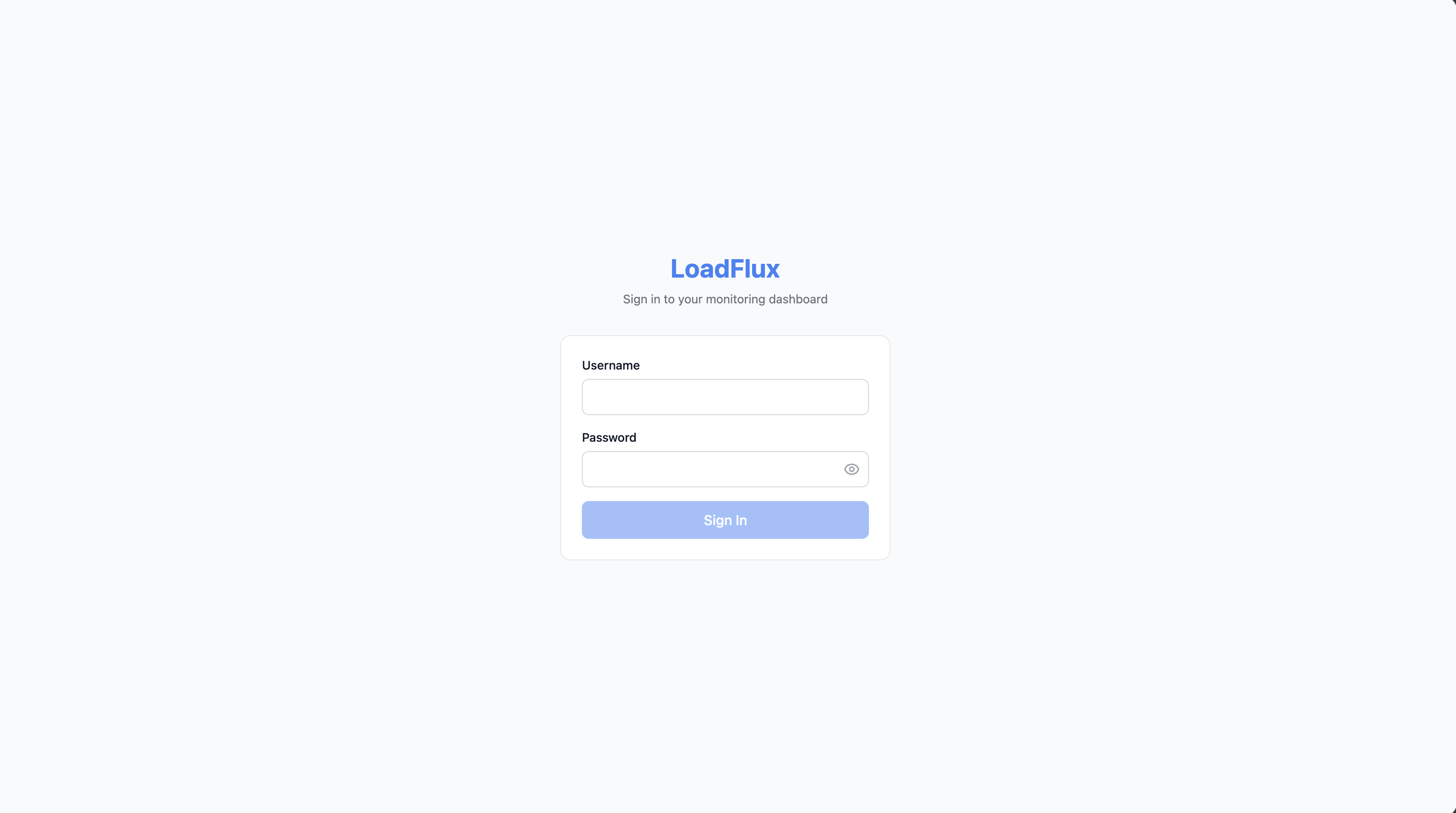
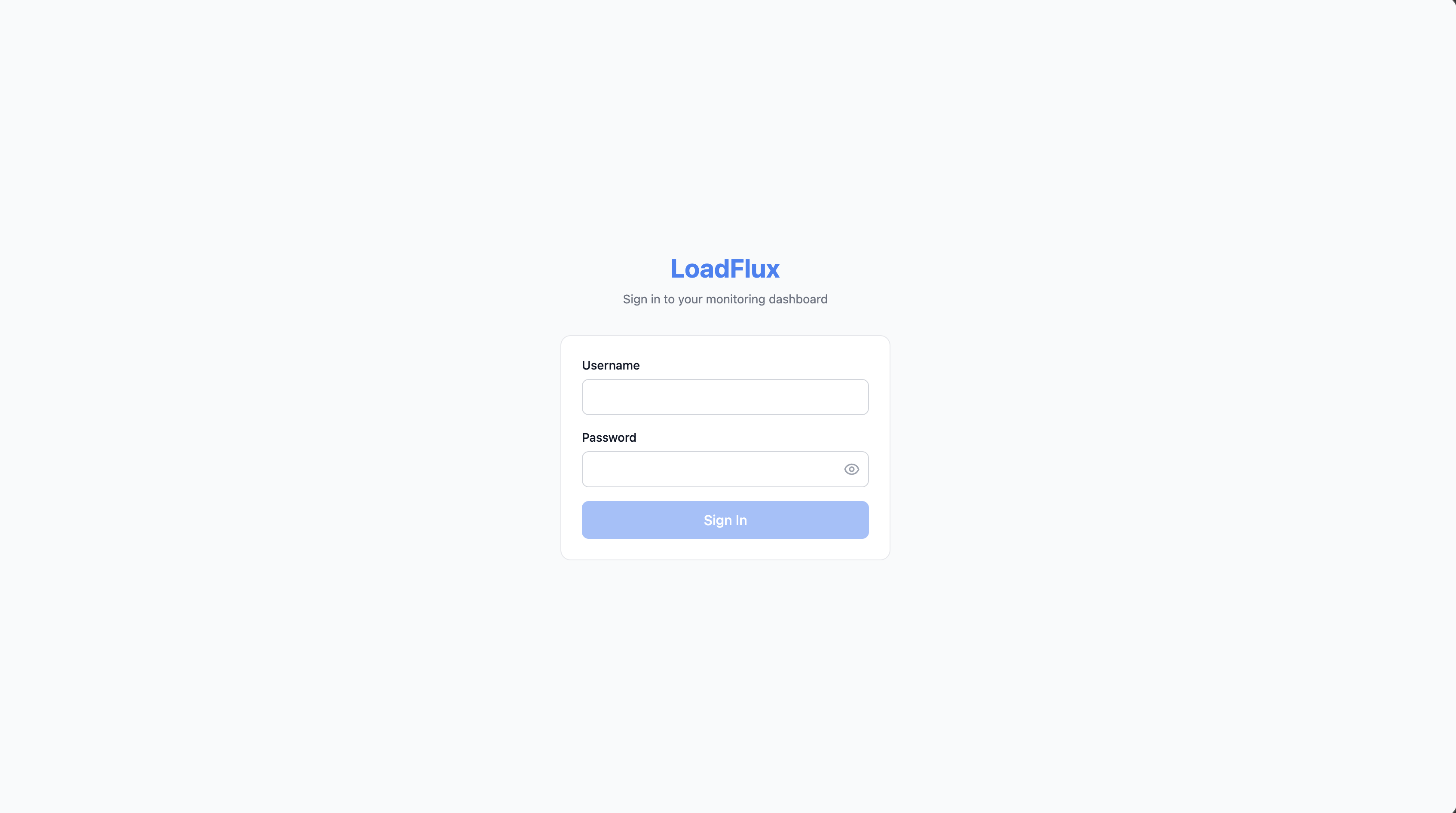
LoadFlux protects the dashboard with username/password authentication.
Setting up auth
Pass credentials in the configuration:
app.use(loadflux({
  auth: {
    username: "admin",
    password: "your-secure-password",
  },
}));
Or use environment variables:
app.use(loadflux({
  auth: {
    username: process.env.LOADFLUX_USERNAME || "admin",
    password: process.env.LOADFLUX_PASSWORD || "password",
  },
}));
How it works
- Password hashing — Passwords are hashed with bcrypt (10 rounds) and stored in the database. The plain-text password is never stored.
- Session tokens — On login, an HMAC-SHA256 token is generated and set as an HttpOnly cookie. Tokens are also accepted via the
Authorization: Bearer <token>header. - Token expiry — Tokens expire after 24 hours. Users must re-login after expiry.
- HMAC secret — A random secret is generated on first startup and persisted in the database. This means tokens survive server restarts.
Password sync on restart
If you change the password in your configuration (e.g., update the .env file) and restart the server, LoadFlux automatically detects the mismatch and updates the stored hash. This prevents lockouts when rotating credentials.
The sync happens at startup:
- If the configured password matches the stored hash: no action
- If the configured password differs from the stored hash: the hash is updated
- If no user exists: a new user is created
Without auth config
If you don't provide auth in the configuration, the dashboard shows a setup screen on first visit, prompting you to create an admin account. The credentials you enter are stored in the database.
API authentication
All LoadFlux API endpoints (except /api/login and /api/logout) require authentication. The token is validated on every request:
- Cookie:
__loadflux_token(HttpOnly, SameSite=Strict) - Header:
Authorization: Bearer <token>
Unauthenticated requests receive a 401 Unauthorized response.
Login rate limiting and reverse proxies
Failed login attempts are rate-limited per client IP. By default the IP is the TCP peer. If your app sits behind a trusted reverse proxy that sets X-Forwarded-For correctly, enable proxy-aware IP resolution:
app.use(loadflux({ trustProxy: true }));
Or set LOADFLUX_TRUST_PROXY=1 in the environment. Do not enable this unless you trust the proxy to sanitize or set that header; otherwise attackers can spoof IPs and bypass rate limits.